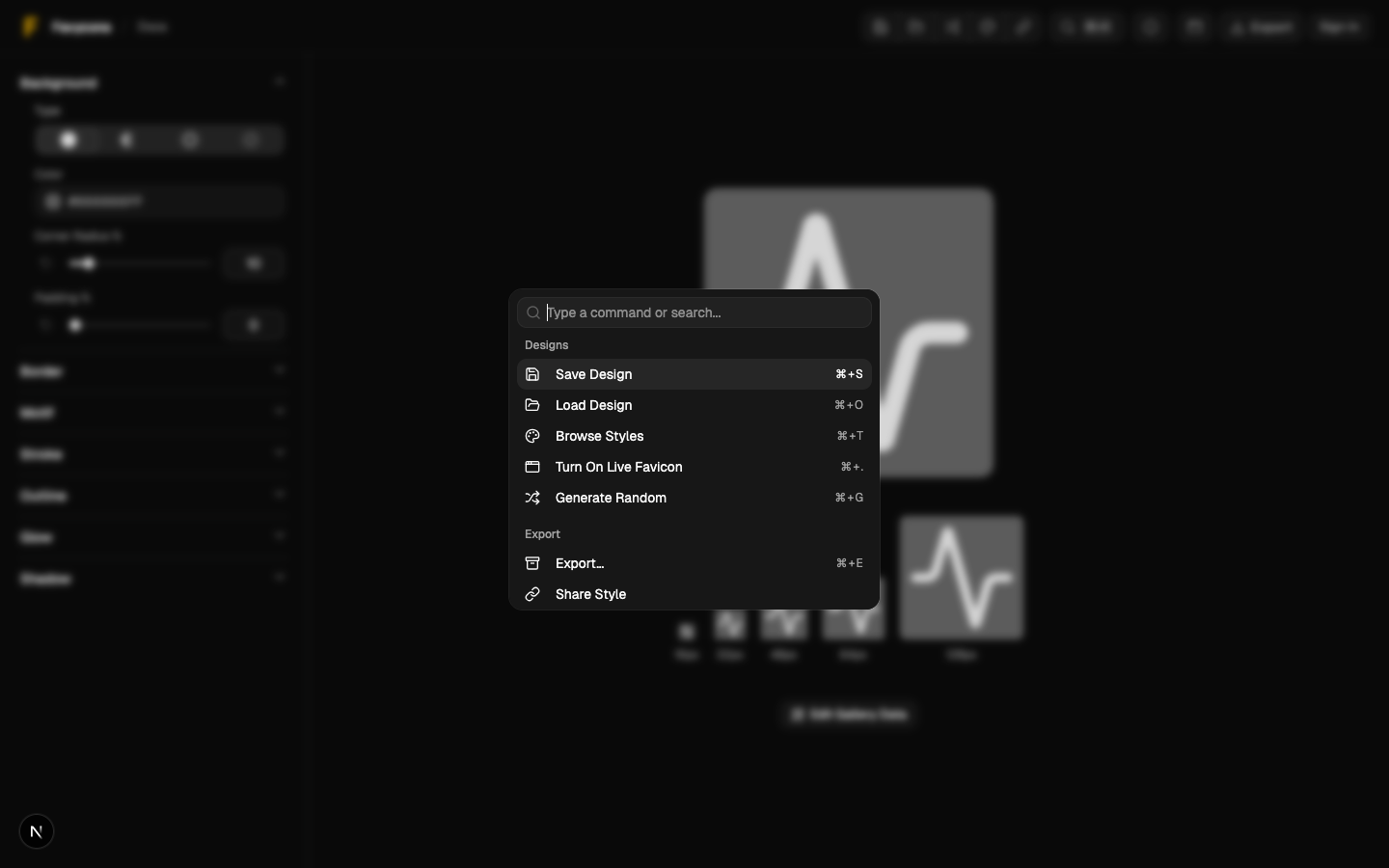
Command Palette & Shortcuts
Keyboard-first workflows for saving, exporting, and more.
Command Palette & Shortcuts
Use the command palette to search actions and stay in flow.
Open the Command Palette
- macOS:
⌘K - Windows/Linux:
Ctrl+K
Built-In Shortcuts
These work even when the palette is closed:
| Action | Shortcut |
|---|---|
| Save design | ⌘S / Ctrl+S |
| Load design | ⌘O / Ctrl+O |
| Export | ⌘E / Ctrl+E |
| Browse styles | ⌘T / Ctrl+T |
| Toggle live favicon | ⌘. / Ctrl+. |
| Generate random | ⌘G / Ctrl+G |
Notes
- Save/Load requires signing in. If you’re signed out, you’ll be prompted.
Screenshot