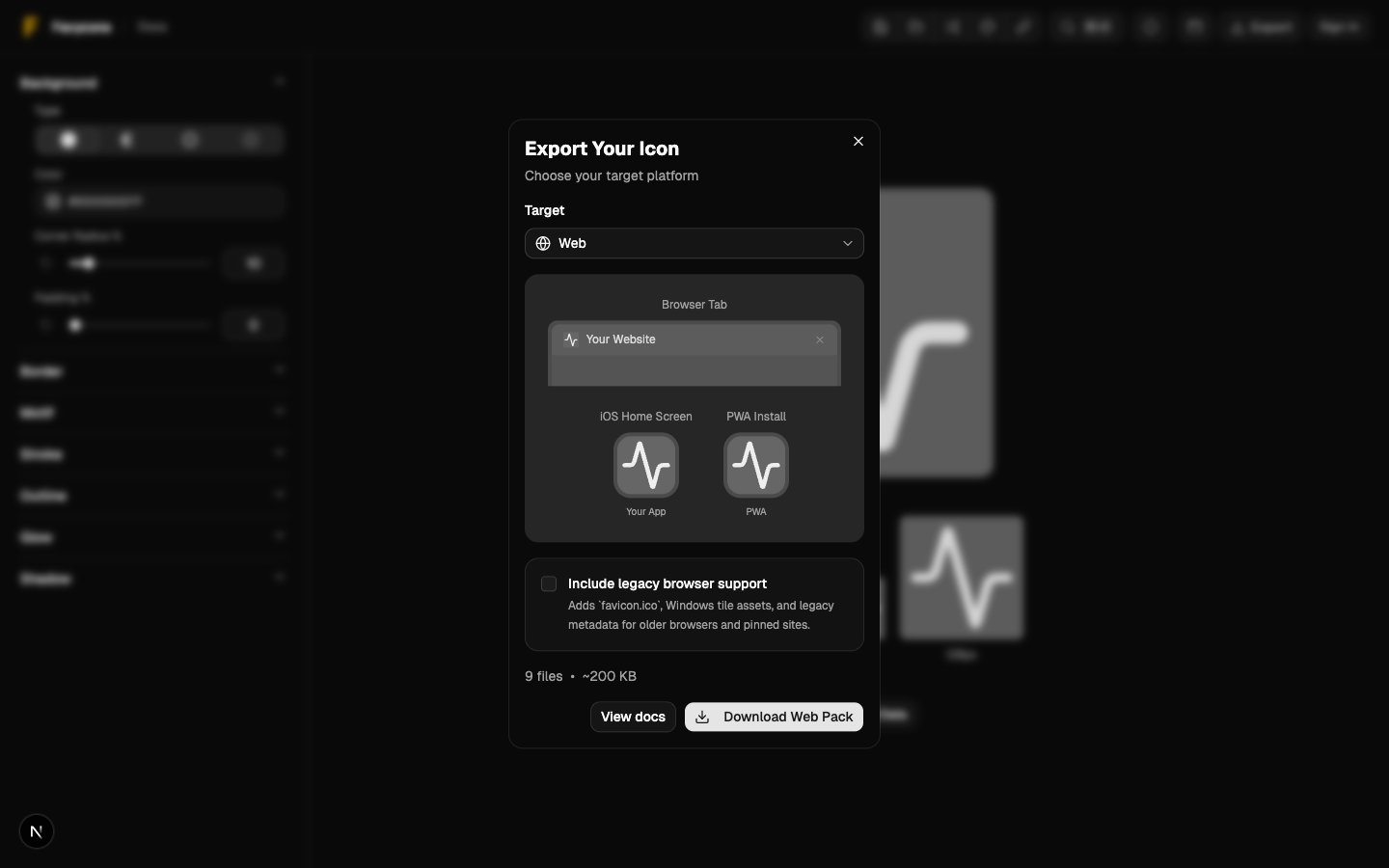
Export Overview
Choose the right export for web, mobile, desktop, or a single file.
Export Overview
Exports are split into two modes:
- Bundles (ZIPs) for specific platforms
- Single file (PNG/SVG/ICO/ICNS)
Quick Recommendations
- Website/favicon: Web Export Bundle
- iOS app icon set: iOS Export Bundle
- Android launcher icons: Android Export Bundle
- Electron/Tauri/native desktop: Desktop Export Bundle
- Raycast extension icon: Raycast Extension Icon
- One-off asset: Single File Export
Where Exports Go
Exports download as a file from your browser.
If you don’t see the download, check your browser’s downloads list.
Screenshot