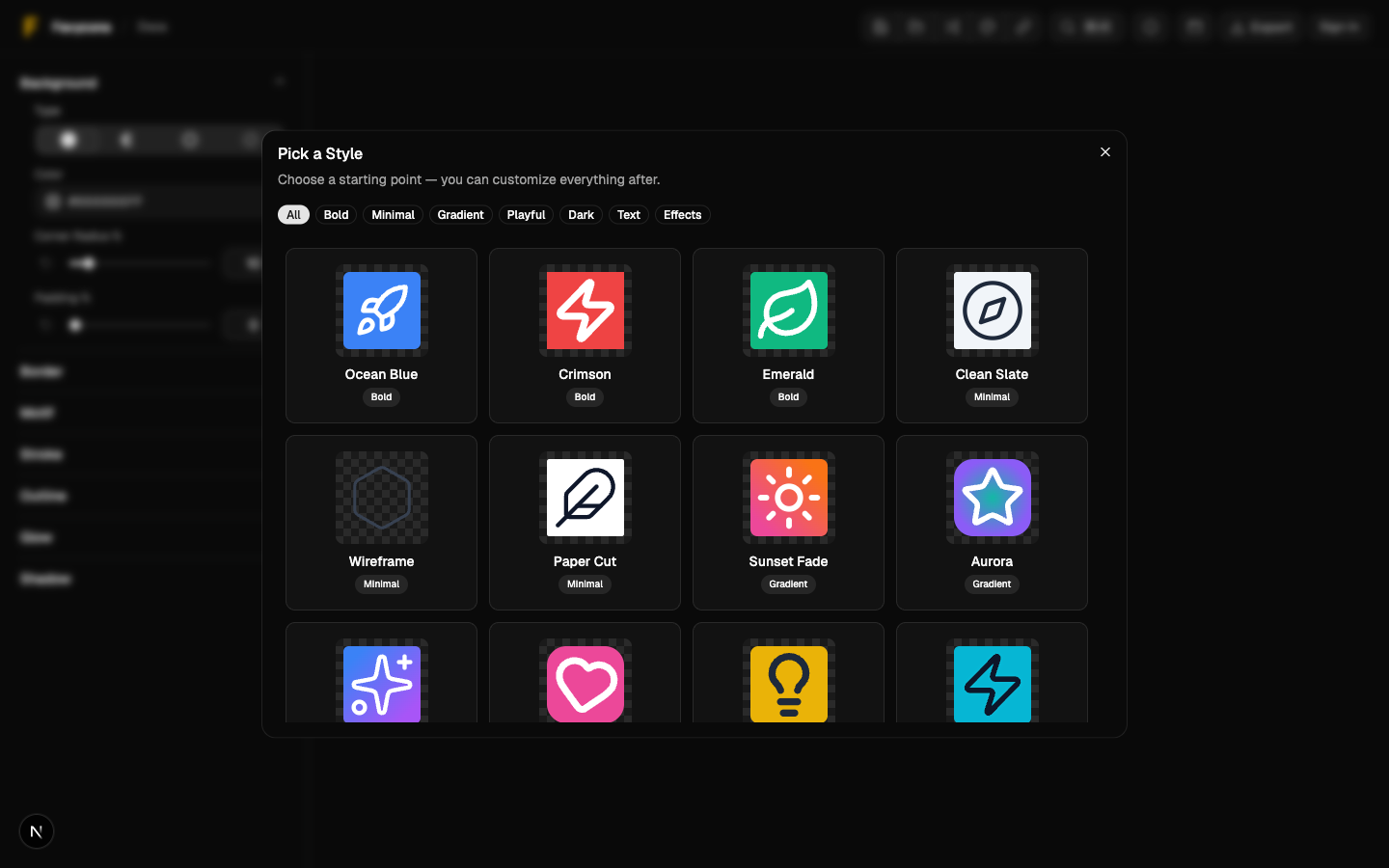
Styles Gallery
Use curated style presets as a starting point, then customize.
Styles Gallery
The Styles Gallery applies a preset set of settings to your current design. It’s meant as a starting point.
Open the Gallery
You can open it from:
- The header “Styles” button
- The command palette
Apply a Style
- Open the Styles Gallery.
- Click a style card.
- The style is applied immediately.
After applying, you can tweak anything in the editor (colors, padding, effects, etc.).
Notes
- Applying a style changes your current settings. If you want to keep both versions, save the design first.
Screenshot